
Section outline
-
CODeL · Course IntroductionCourse Structure
Four units, one clear path
Each unit builds on the last from how networks work, to using the web, to communicating professionally online.
🌐Topic 1Computer Network Concepts
Fundamental ideas, characteristics, and classifications of computer networks by geographical coverage.
→🌍Topic 2Internet Concepts & History
URLs, web browsers, Internet services, and how the Internet connects the world.
→🔍Topic 3Search Engines
Strategies to locate, filter, and evaluate relevant information effectively online.
→✉️Topic 4Electronic Mail
Composing, formatting, and attaching files — plus using To, Cc, and Bcc appropriately.
→Learning OutcomesBy the end, you'll be able to
Four concrete, assessable skills this course is built to deliver.
1Explain core network concepts
Explain the fundamental concepts, characteristics, and classifications of computer networks according to geographical coverage.
2Analyze Internet concepts
Analyze Internet concepts, including URLs, web browsers, search engines, Internet services, and methods of Internet connectivity.
3Apply effective search strategies
Apply effective search strategies to locate and evaluate relevant information using search engines.
4Create a professional e-mail
Create a professional e-mail message by composing, formatting, attaching files, and using the To, Cc, and Bcc fields appropriately.
FacilitatorsWho's guiding this course
Reach out any time through the course forum we're here to support your progress.
BKBenjamin KARANGWACourse FacilitatorENEnock NtirenganyaCourse FacilitatorStudy at your own pace.-
Welcome to the course! Before we dive into Unit 1, let's get to know one another. Reply to this post with: your name, where you're studying from, and one thing you already know (or are curious about) regarding computer networks or the Internet. Feel free to also reply to a few classmates; you'll be learning together for the next several weeks
-
-
Introduction
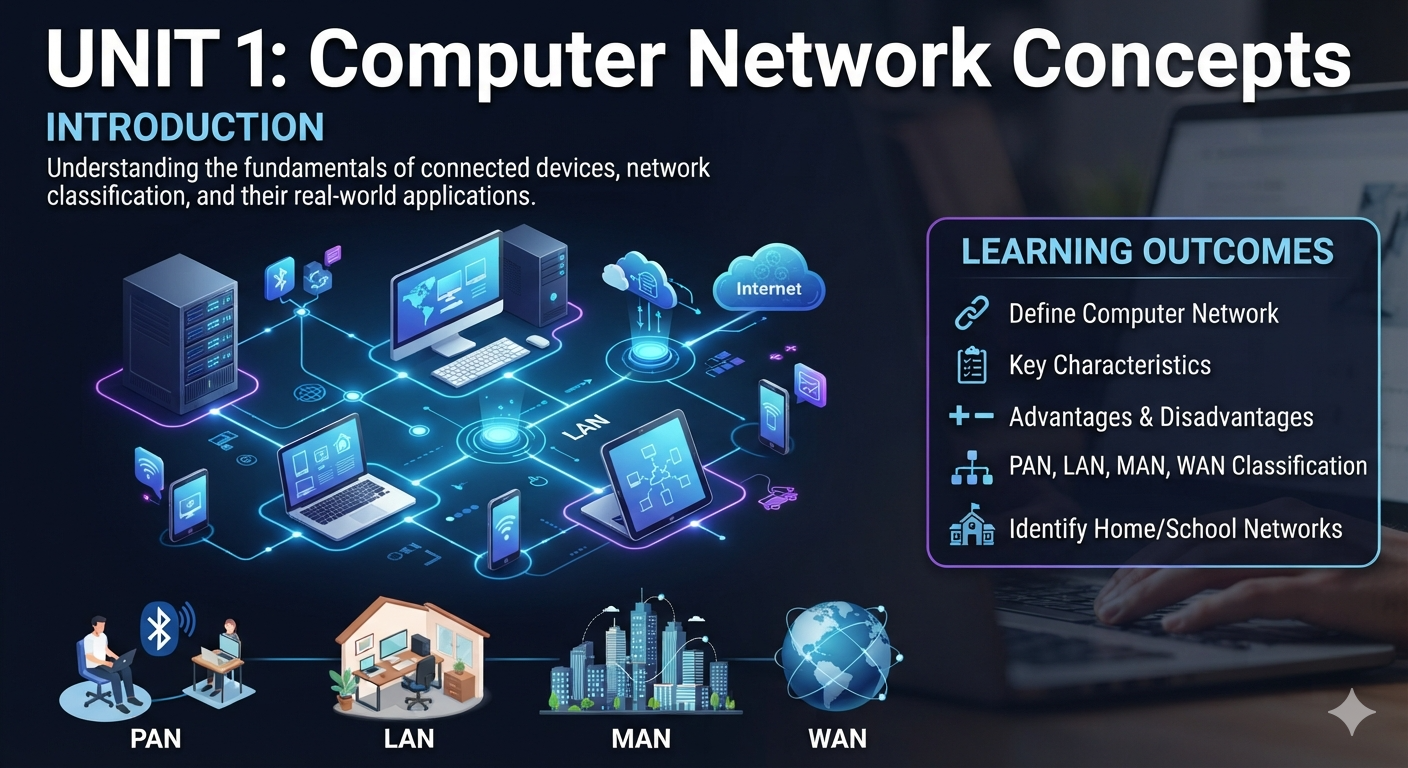
Almost everything we do with technology today — sharing files, printing from a phone, browsing the Internet — depends on devices being connected to one another. This unit introduces the idea of a computer network: what it is, what it needs to function, why it is useful, what it costs us, and how networks are classified by the geographical area they cover. By the end of this unit, you will be able to look at any group of connected devices — in your home, your school, or a cybercafé — and describe what kind of network it is and why.
Learning Outcomes
By the end of this unit, you should be able to:
1. Define a computer network and explain what is required for one to exist.
2. Describe the key characteristics of a computer network.
3. Explain at least three advantages and two disadvantages of computer networks.
4. Distinguish between PAN, LAN, MAN and WAN, giving a real-world example of each.
5. Identify and classify the type of network operating in your own home, school, or community. -
-
Introduction
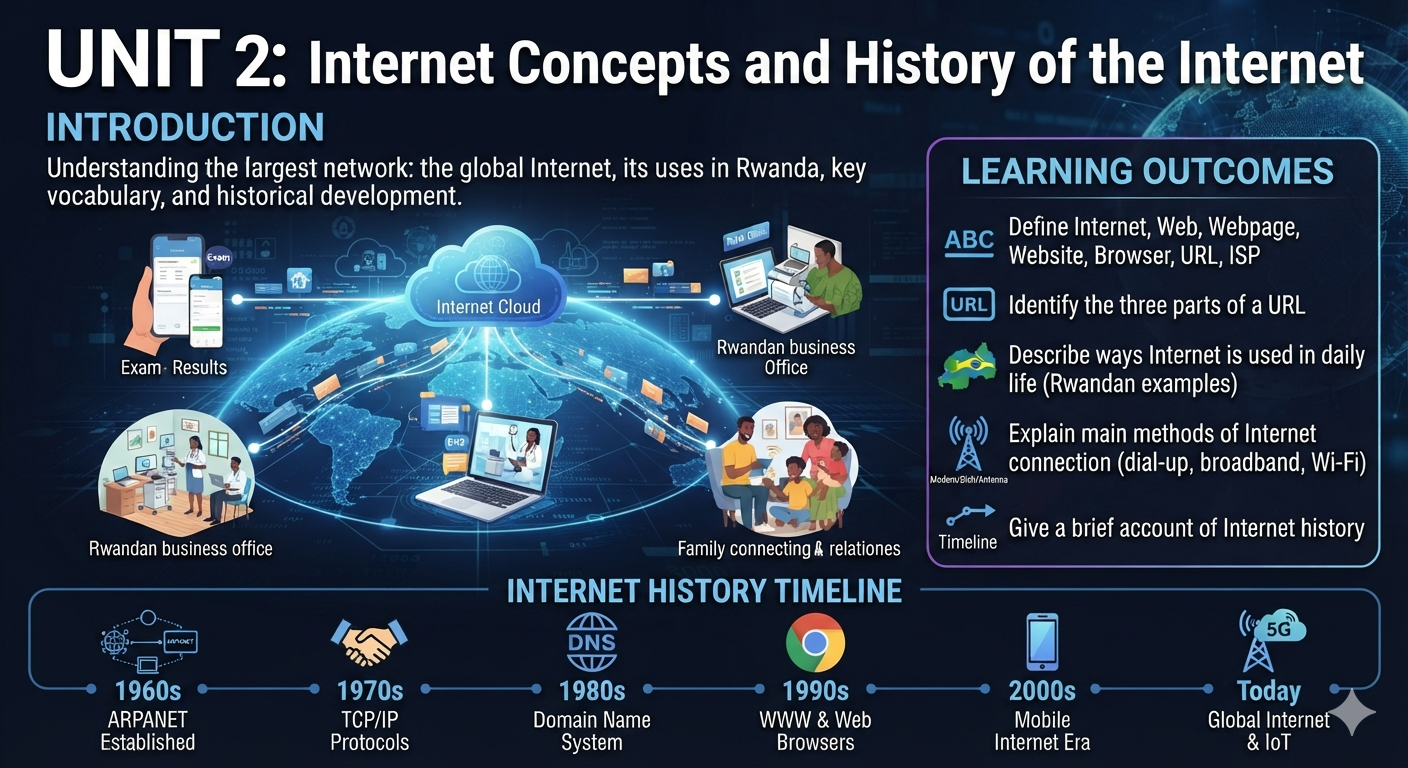
If Unit 1 was about how devices connect to each other, this unit is about the largest network of all: the Internet, a worldwide network of networks that touches nearly every part of daily life in Rwanda and beyond — from checking exam results online to running a business, staying in touch with family, or consulting a doctor remotely. This unit explains the key vocabulary you need to talk about the Internet confidently, shows you how to read a web address, and tells the story of how the Internet came to exist and grow into what it is today.
Learning Outcomes
By the end of this unit, you should be able to:
1. Define the Internet, the World Wide Web, a webpage, a website, a web browser, a URL, and an ISP.
2. Identify the three parts of a URL and explain what each part tells you.
3. Describe at least three ways the Internet is used in daily life, with a Rwandan example for each.
4. Explain the main methods of connecting to the Internet (dial-up, broadband, Wi-Fi).
5. Give a brief, accurate account of how the Internet developed historically.-
Interactive UNIT 2: internet concepts and history for Rwandan Students Reading Notes
-
-
Introduction
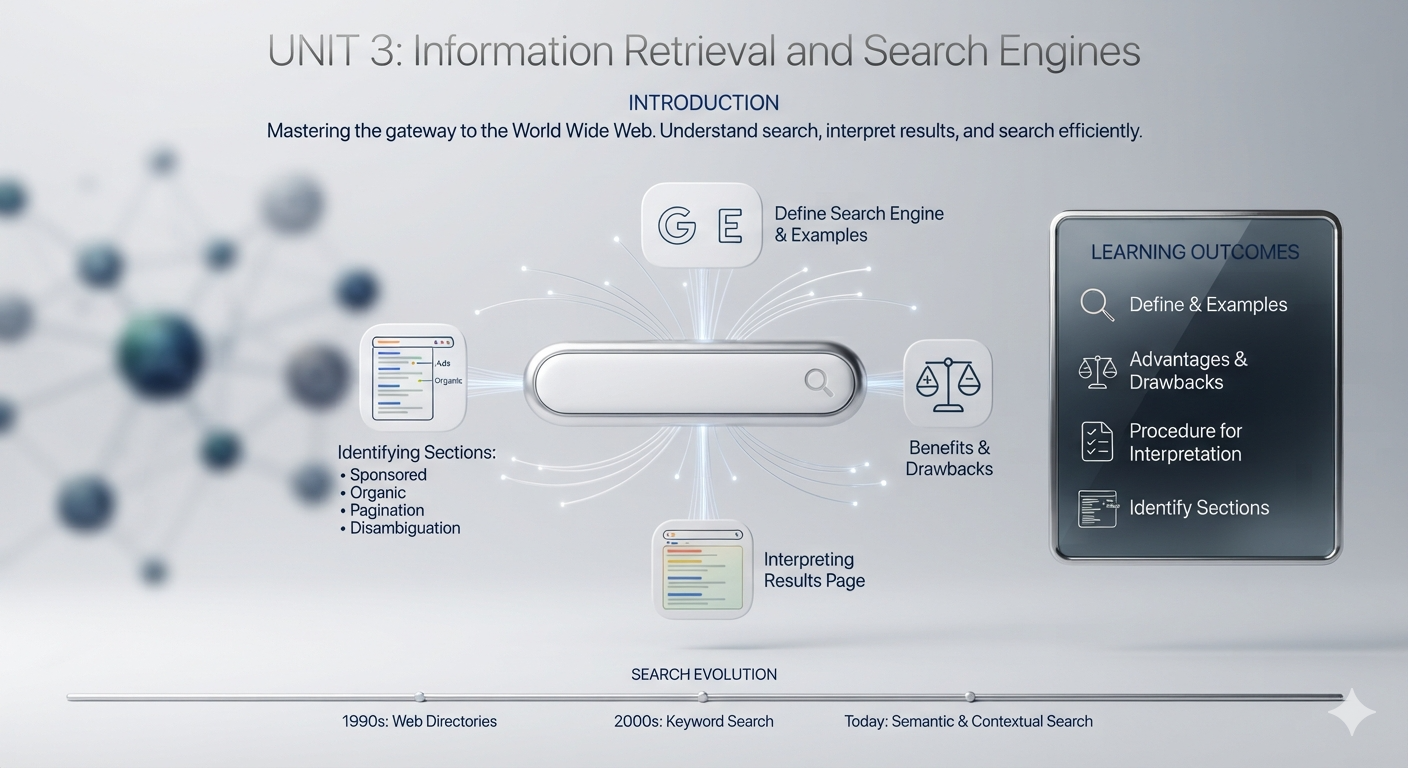
With so much information available on the World Wide Web, finding exactly what you need would be nearly impossible without search engines. This unit explains what search engines are, weighs up their benefits and drawbacks, and perhaps most usefully teaches you how to read and interpret every part of a search results page, so you can search more efficiently and evaluate what you find more critically.
Learning OutcomesBy the end of this unit, you should be able to:
1. Define a search engine and name several examples.
2. Explain at least three advantages and two disadvantages of using search engines.
3. Describe the procedure for deciphering (interpreting) a search results page.
4. Identify the different sections of a typical search results page, such as sponsored links, organic results, pagination, and disambiguation.-
Interactive notes UNIT 3 Mastering Web Searches: An Introduction to search engines and results
-
-
Introduction
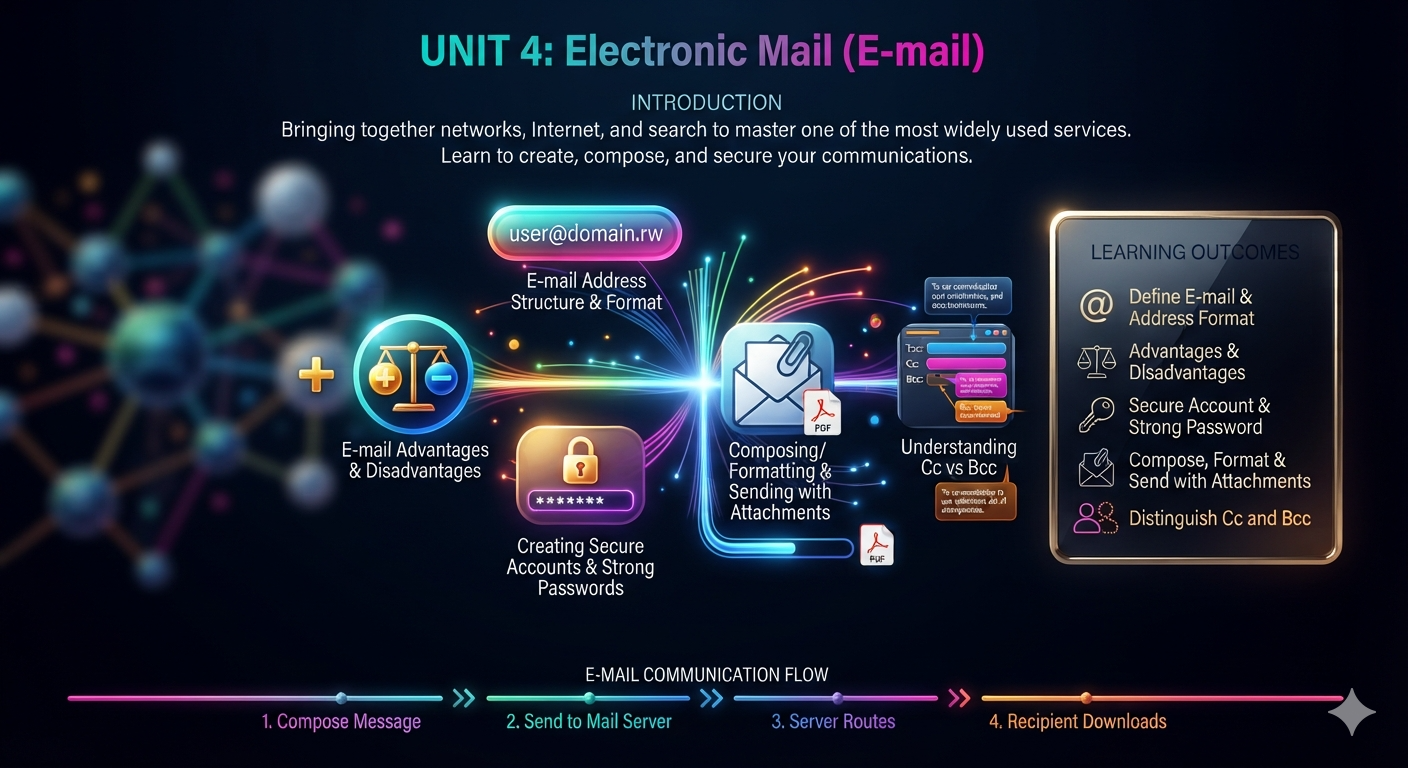
This final unit brings together everything you've learned so far networks, the Internet, and search engines into one of the most widely used Internet services: electronic mail (e-mail). You will learn how an e-mail address is structured, how to create an account, how to compose and send a message correctly (including the important difference between Cc and Bcc), how to attach and download files, and how to keep your account secure with a strong password.
Learning OutcomesBy the end of this unit, you should be able to:
1. Define e-mail and explain the format of an e-mail address.
2. State advantages and disadvantages of using e-mail.
3. Describe how to create an e-mail account and choose a strong password.
4. Compose, format and send an e-mail, including an attachment.
5. Distinguish between Cc (Carbon Copy) and Bcc (Blind Carbon Copy).-
Interactive reading notes Unit 4 Essential email skills for the modern workplace
-